
Speaking Challenge Spinner
This activity is great for end-of-the-course, end-of-year lessons, holiday parties, or anytime you want to have fun, boost speaking confidence, and build group connection.
How to Use
In Class (Offline)
-
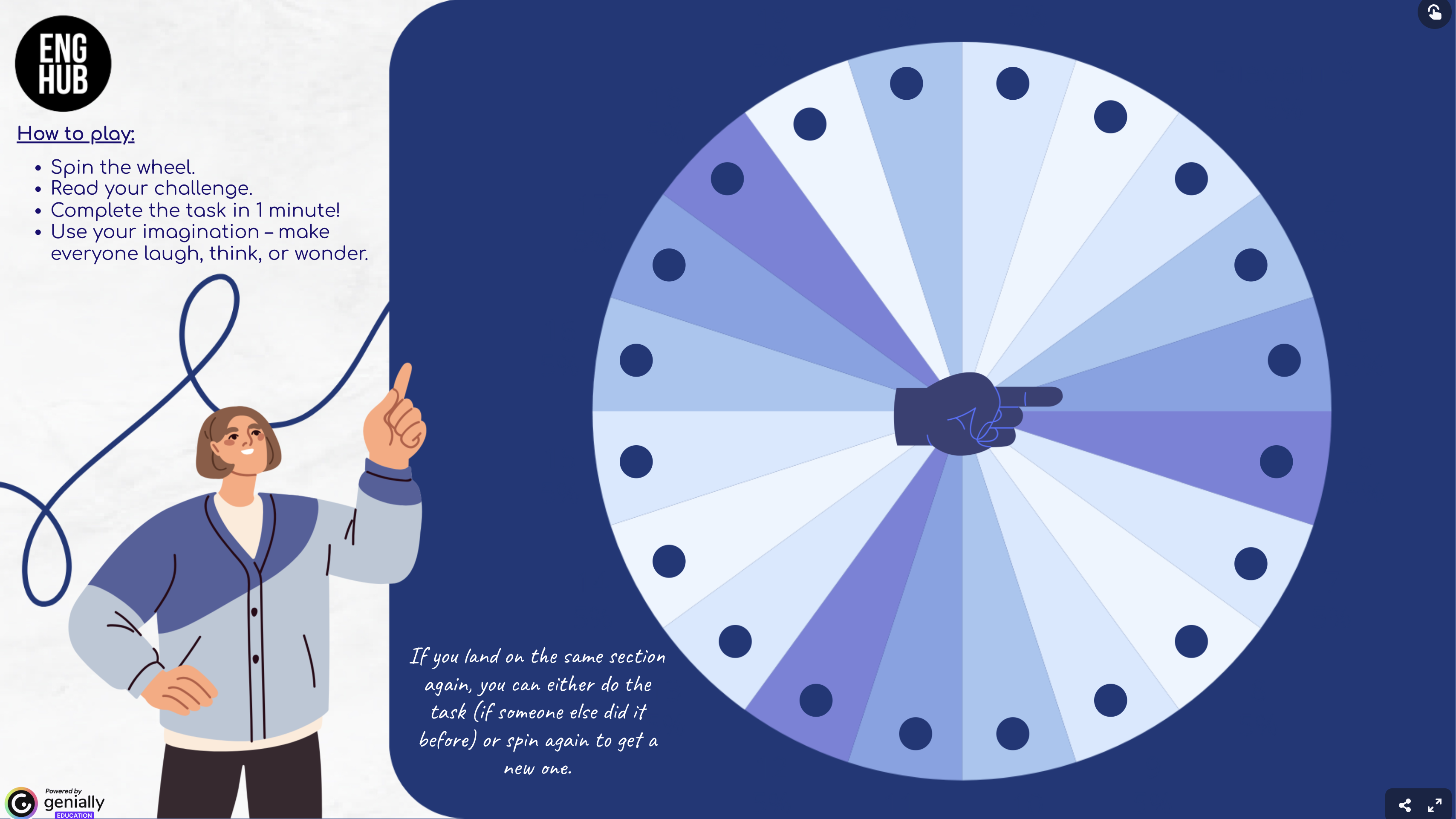
Open the Genially spinner on the screen.
-
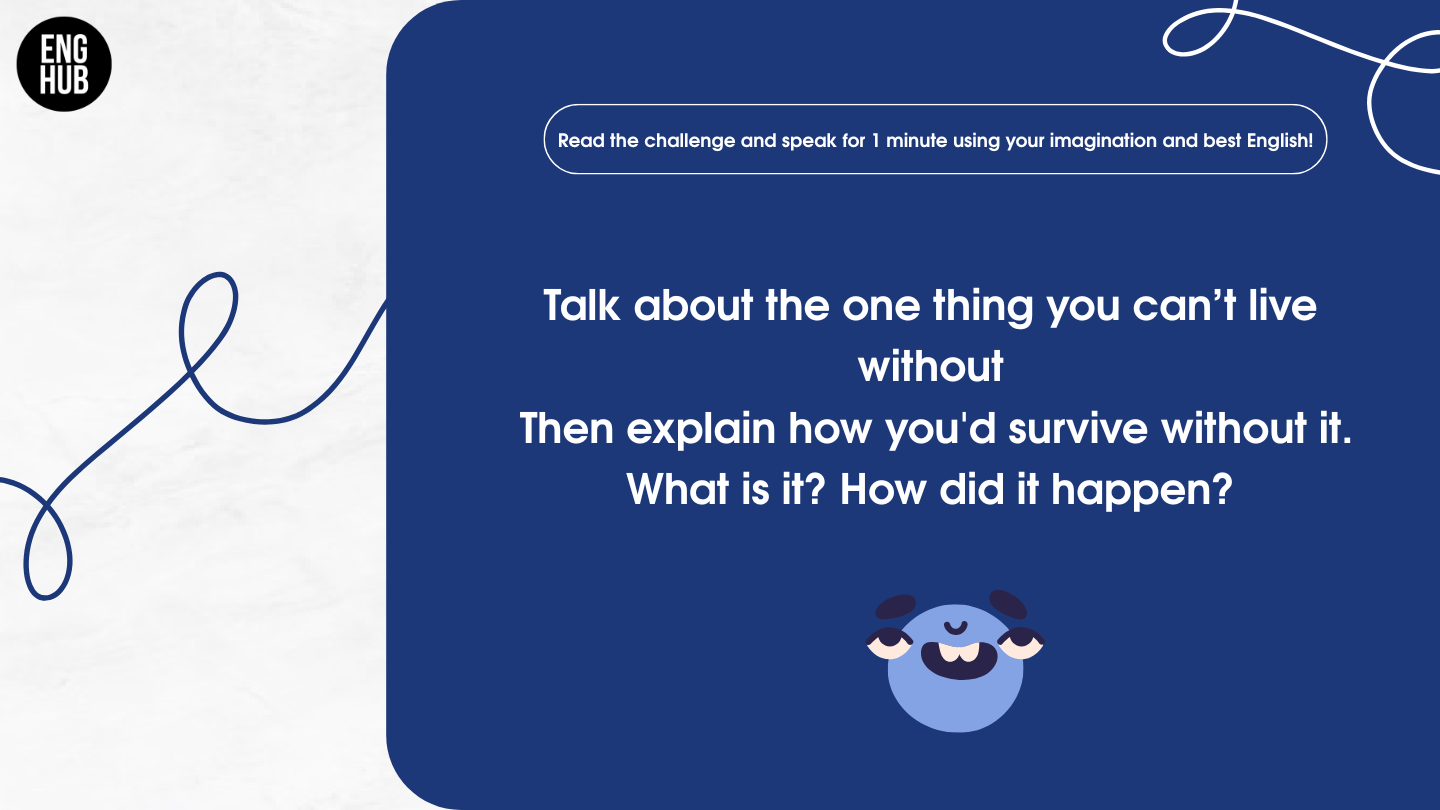
Students take turns spinning and completing the task.
-
Encourage the class to react, ask follow-up questions, or vote on the funniest/most original.
-
Optional: Give a time limit (e.g. 1 minute per speaker).
Online (Zoom/Teams)
-
Share your screen and open the spinner.
-
Call on a student to spin and read the challenge.
-
The student speaks, then others can comment or ask one question.
-
Keep the pace quick and fun!
Pair or Group Mode
-
Share the Genially link with students.
-
They spin and complete challenges in pairs or small groups.
-
After each round, students rotate partners or choose new challenges.